
The verified developer example is gl_precache 1 to preload resources, with gl_precache 0 to turn it off. The project lead supplies it in an October 2026 discussion about shader pre-compilation and stuttering. A player subsequently reports improvement, while longer loading is a possible tradeoff. The collected evidence supports these examples, not an exhaustive list of every Divine Frequency command or cheat.
Open the console for the documented example
The developer's instruction refers to opening the console with ~. Keep that instruction tied to the context of the original reply. The research does not establish an alternative key for every keyboard layout or a complete console configuration menu. This page does not turn a single input instruction into a universal controls reference.
After opening the console, the documented preload command is gl_precache 1. The corresponding example for disabling it is gl_precache 0. The availability of a disabling command makes the setting's intended on-and-off distinction clear. It does not establish which setting is best for every computer.
What the preload report actually shows
The October discussion begins with a request concerning stuttering and resource preparation. The project lead supplies the command, and another participant subsequently reports an improvement after trying it. Those are separate authors in one thread. They are useful evidence for the example but do not amount to independent hardware benchmarking.
Longer loading is the stated possible tradeoff. The material does not quantify a frame-rate increase or establish a tested loading-time cost. It also does not show that every stutter has the same cause. Treat the command as documented guidance rather than a guaranteed performance fix.
Historical HUD scaling examples
An October 2023 player discussion includes hud_oldscale false and hud_scalefactor=0.6. The original poster confirms those historical suggestions helped. That supports describing them as old HUD examples. It does not establish current compatibility or a recommended scale for every screen.
These commands also answer a different problem from preloading resources. HUD size concerns how the interface is displayed. The preload example concerns preparation of resources in the stuttering discussion. Keeping them in separate sections avoids implying that either is a general performance preset.
Prefer the available menu options for interface settings
The November 7, 2023 official patch added HUD scaling and several keybinding options. That development means a historical console workaround may no longer be necessary for the same task. Check the matching menu setting in your build before assuming that an old command is the only route. The research does not claim a particular menu layout has remained unchanged.
Keybinding options and console commands should not be treated as interchangeable lists. A keyboard-controls article explains gameplay inputs, while console documentation explains entered settings or instructions. This page preserves that distinction. It does not inflate its command count by relabeling ordinary control bindings.
Why there is no spawn or cheat catalog here
The research does not verify item IDs, universal spawn syntax, or a game-specific invulnerability recipe. Knowing that the project uses GZDoom does not independently validate every engine command in a particular game build. Applying a generic command list without testing would exceed the evidence. No such instructions are included here.
The supported scope is a developer preload example and corroborated historical HUD examples. That is a useful answer to a specific console question, even though it does not satisfy the literal claim of “all” commands. The title's keyword is accompanied by a clear scope rather than a fabricated catalog. The research snapshot is October 25, 2026.
Sources
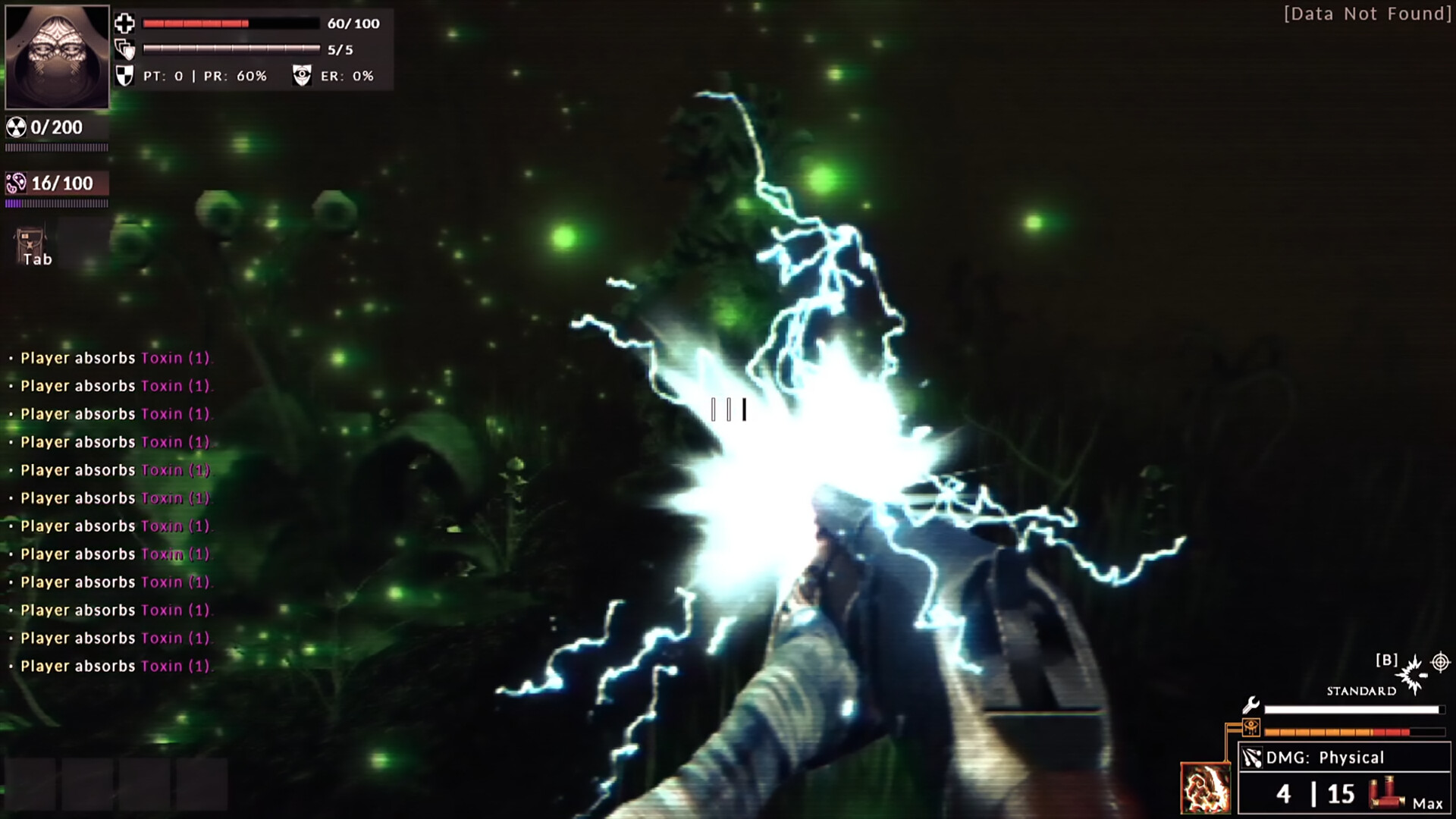
Official screenshots · Steam media gallery · © Abraxaes and respective rights holders. Material statement.