
Repair weapons by manually using a suitable repair item; simply carrying the item does not repair your gun automatically. The June 22, 2026 developer update renamed Auto-Repair Spray and Auto-Repair Device to Repair Spray and Repair Device to make that clear. Read the item's compatibility description and the in-game repair tutorial before using it. The collected evidence does not establish one universal repair input sequence for every build.
Why the repair item names changed
The developer says the word “Auto” wrongly suggested that a repair item would activate by itself. Removing that word was a terminology change intended to clarify manual use. If an older guide uses the previous names, it may still be referring to the same general repair lesson. The old wording is not evidence that your current item should activate while sitting in the inventory.
This distinction directly answers a common source of confusion. Having a repair resource and actually using it are separate actions. The patch also improved onboarding for item use and repairing weapons. Follow that tutorial for the controls shown in your build rather than assuming a historical guide's mouse-button sequence applies.
The documented opening-room repair example
A historical Steam discussion describes an opening obstacle involving a nonworking gun and an explosive barrel. The player instructions place a repair item beside the firearm. Repairing the gun allows the player to shoot the barrel and progress. An independent 2025 hands-on preview corroborates the repair-based opening lesson.
Use that sequence only if it matches the older demo room you are actually in. Locate the nearby repair item, restore the firearm, and keep clear of the barrel's explosion before firing. This is a bounded historical example, rather than a verified room-by-room route through the June 2026 demo. It does not establish that every later weapon or repair resource is placed the same way.
Check compatibility instead of assuming every item works
The materials support manual repair but do not contain a complete repair-item compatibility chart. They also do not establish that every repair kit restores every firearm. An item's description and the in-game tutorial are therefore the appropriate immediate references. This page does not replace that missing catalog with invented pairings.
Likewise, the research does not establish a universal quantity to restore or an optimal time to spend each item. Those recommendations would require version-specific measurements. The verified answer is the manual-use requirement and the documented names. That is different from claiming a tested repair-economy strategy.
The Trench Gun has a historical durability exception
November 7, 2023 patch notes say the Trench Gun can still fire at zero durability. A later developer response in the older demo discussion confirms that behavior. The patch also increased damage at maximum durability as part of the change. These are facts about the documented historical weapon behavior, not a rule for all guns.
A working Trench Gun at zero durability therefore does not prove that repair is pointless. Nor does it prove that every other firearm can fire in the same condition. Keep the exception tied to the named weapon and build context. A blanket statement that all broken weapons remain usable would exceed the collected evidence.
Repairing and upgrading are different tasks
Restoring durability addresses weapon maintenance. The developer's September progression explanation treats weapon modifications as a separate upgrade channel. Weapon-channeled psi abilities and character leveling are also described separately. A repair action should not be represented as installing a modification or spending an attribute point.
If your question is about changing a weapon rather than making it usable, continue to weapon upgrades. If the problem is finding the first gun, the weapon locations page identifies the limited historical landmark the sources support. Neither page claims a complete current-build equipment map. Matching the question to the system prevents maintenance advice from being confused with progression.
Sources
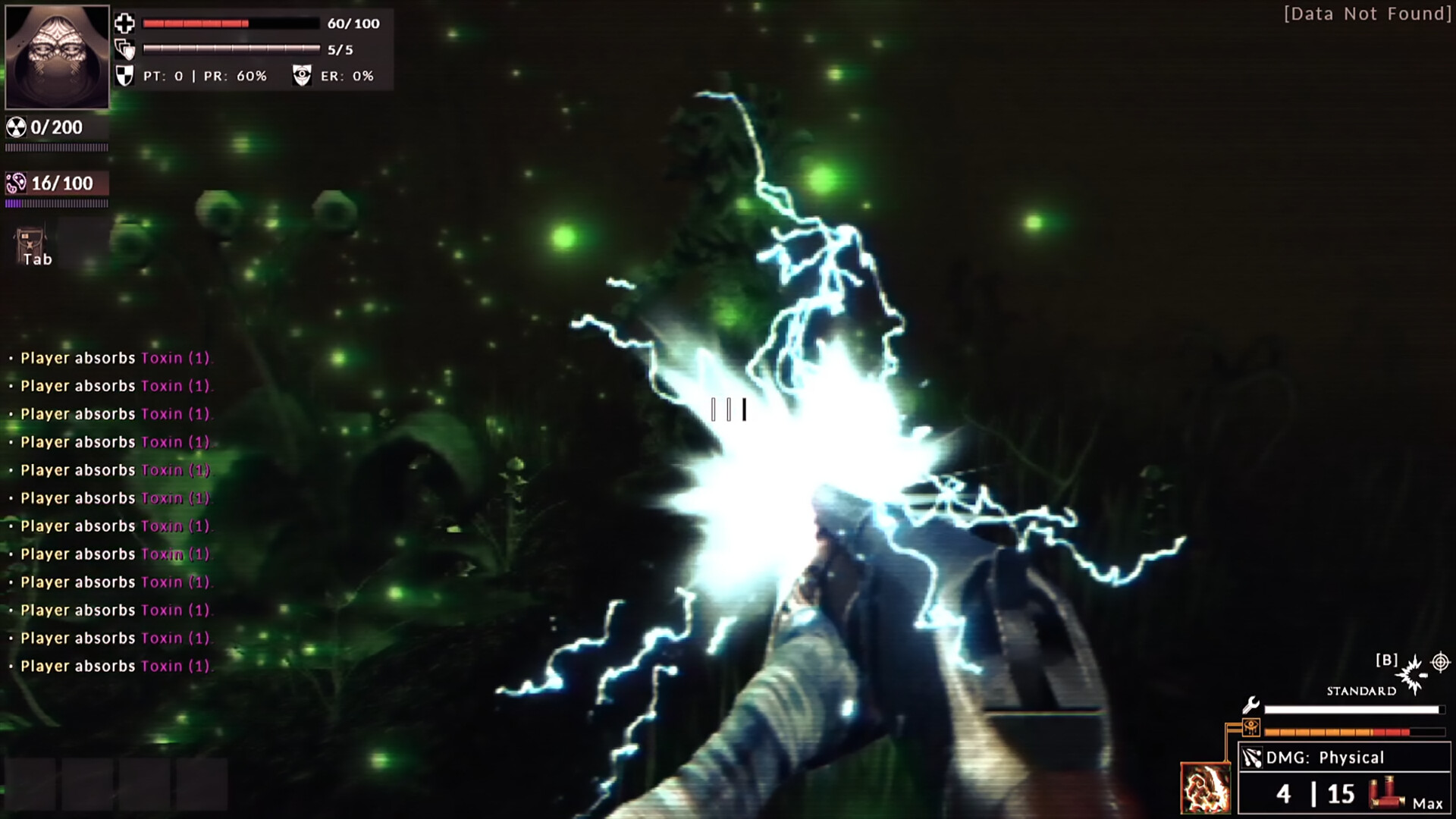
Official screenshots · Steam media gallery · © Abraxaes and respective rights holders. Material statement.